MASTRA STUDIO

Iterate Faster,
Ship Better Agents

Collaborate With Your Team

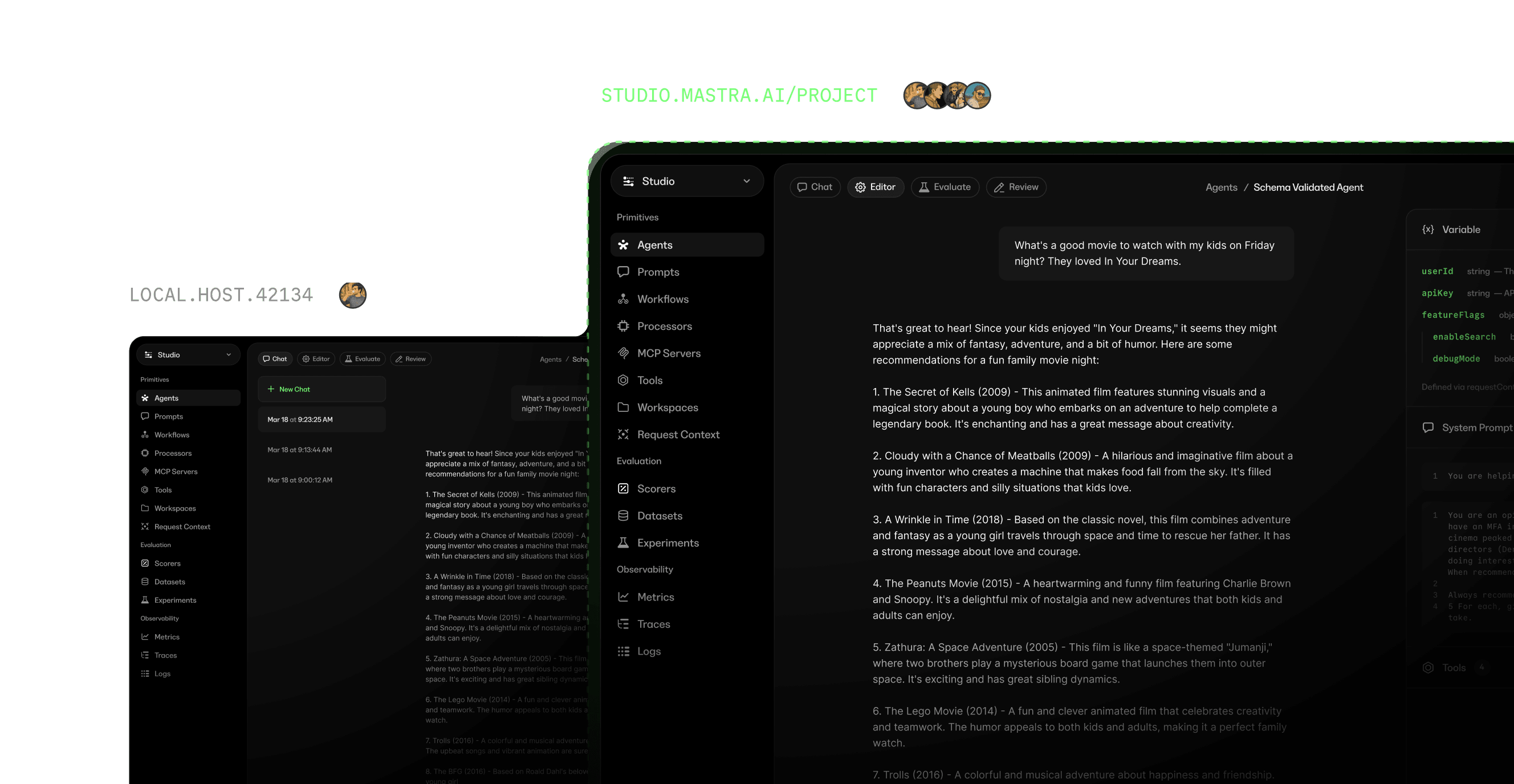
Gather expert feedback on agent performance and iterate on prompts with your team. Share traces so anyone can understand user behavior, debug issues, or assess response quality.

Own your agent loop

Studio gives your team one place to learn from real usage, iterate faster, and improve every release.

Start building with a free account, or explore our pricing for more

Full Pricing

Starter

Free for everyone

$0/ month
  • 100K observability events+ $10/100K
  • 24 CPU hours+ $0.35/hr
  • 15 days of data retention
  • Unlimited users, deployments, and projects
Teams

For growing teams

$250/ month
  • 1M observability events+ $8/100K
  • 250 CPU hours+ $0.25/hr
  • 6 months of data retention
  • Multiple teams, SSO, and SOC 2 docs

Enterprise

For teams at scale

Custom pricing

Custom volume and retention, with RBAC, audit logs, support and uptime SLAs, and a dedicated support engineer.


Mastra is powering the best AI teams

Case Studies

Frequently asked questions

What is Mastra Studio?

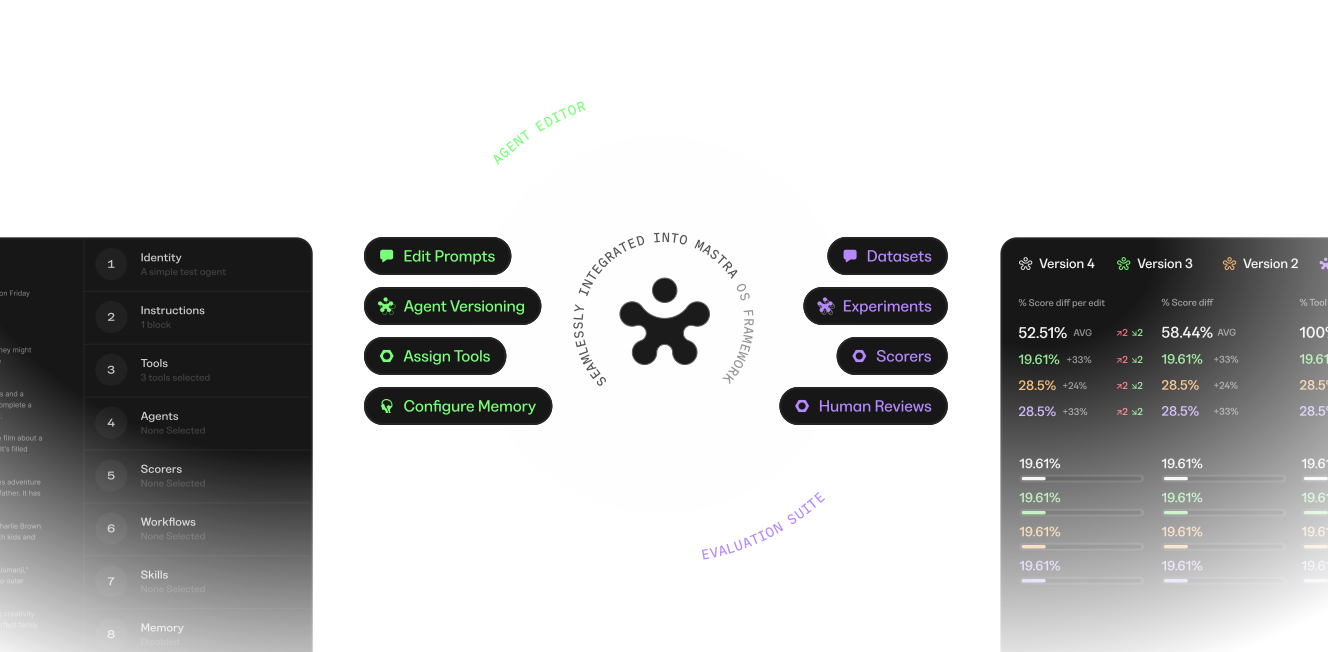
Mastra Studio is the workspace where your team observes, iterates and improves AI agents together. Mastra Studio monitors agent performance in production, tracking costs, latencies and quality scores. Follow execution traces to find exactly where an agent stalled or made the wrong call. Invite domain experts to review traces, build datasets, run experiments and refine prompts directly in the UI, even if they don't have access to the source code. Run Studio locally during development, then share it behind a URL so your team gets the same workspace.

How does Mastra Studio connect to my Mastra application?

Mastra Studio connects to your Mastra instance via a configurable server URL and runs at localhost:4111 during local development. Studio updates in real time as you edit your agents, workflows and tools. Share Studio behind a URL for team access when you are ready to deploy.

How does Mastra Studio help measure every agent run?

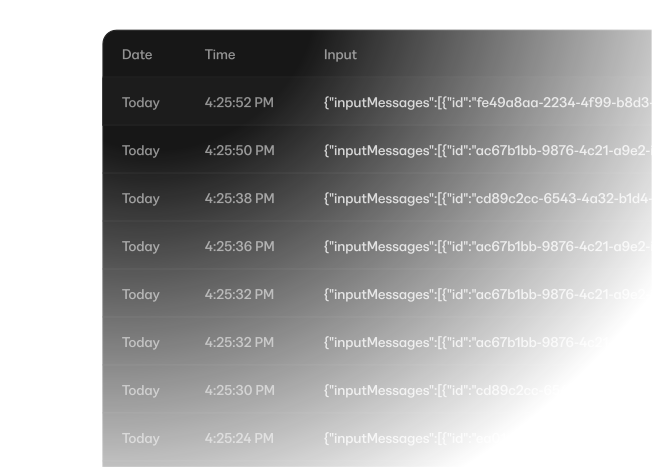
Mastra Studio gives you the data to understand what went wrong in production. Comprehensive metrics dashboards track costs, latencies and quality scores across every agent run. Traces and logs capture the full story behind every agent interaction, recording telemetry automatically so you can see what happened and how it all connects. Score outputs with LLM-as-Judge or code, and run online evals in production or score any historical trace retroactively.

How does Mastra Studio help improve agents over time?

Mastra Studio gives you the tools to find what changed between releases and fix it. Test agents directly in Studio by switching models, tweaking settings and trying different inputs. Edit and test prompts without writing code and see how changes affect outputs immediately, then serve different variants in production. Save agent configurations as versions, compare them side by side and roll back when something breaks. Browse MCP servers and swap configurations to find the right setup.

How do datasets and experiments work in Mastra Studio?

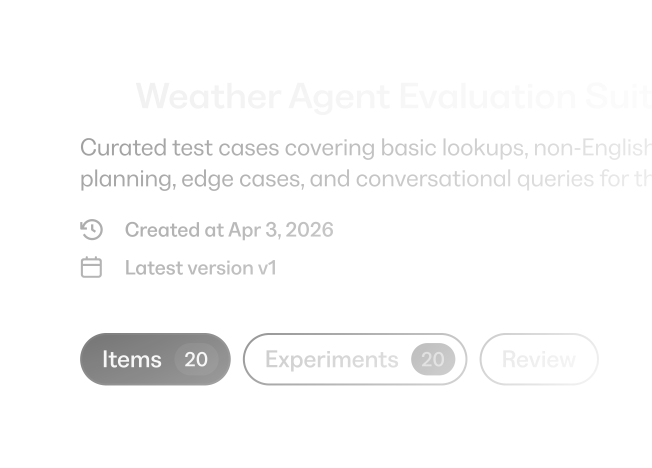
Mastra Studio datasets are collections of test cases for evaluating agents and workflows. Import items from CSV or JSON, define input and ground-truth schemas and pin to specific versions to reproduce experiments exactly. Run experiments with scorers to compare quality across prompts, models or code changes.

How does Mastra Studio support team collaboration?

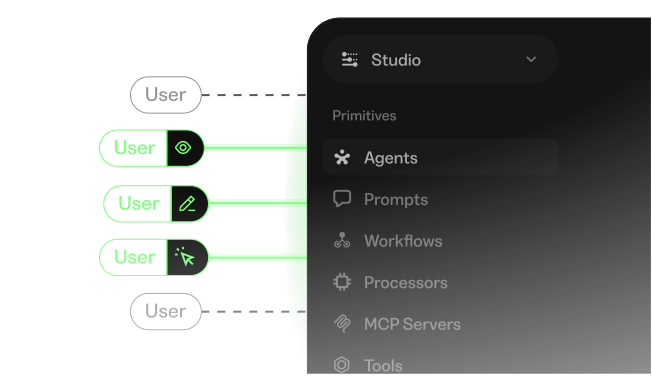
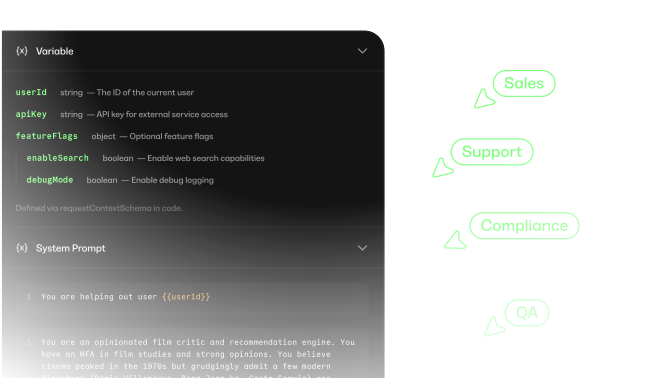
Mastra Studio gives non-technical collaborators direct access to the same workspace developers use. Run Studio on localhost during development, then share it behind a URL so your team gets access without running the project locally. Lock down Studio with role-based access to define who can view, edit and execute. Bring in sales, support, compliance or QA to review traces, build datasets, run experiments and refine prompts, even if they don't have access to the source code.

Start building today.